Press Kit
CloudMemoir Press Kit
Facts, brand assets, and reviewer access for CloudMemoir on Apple TV — published by SouzBit, LLC.
One-Sentence Pitch
CloudMemoir by SouzBit, LLC is a native Apple TV app that brings Apple Photos (free) together with Google Drive, personal Microsoft OneDrive, Dropbox, Box, and pCloud on the big screen — with QR phone sign-in (zero TV remote password typing), Live Photos, customizable slideshows, one-button Ambient Mode, and per-profile libraries, without AirPlay or re-uploading.
The Problem It Solves
Real families rarely keep every photo and video in a single cloud. One spouse uses Apple Photos, another backs up trips to Google Drive or OneDrive, and older archives sit in Dropbox, Box, or pCloud — yet Apple TV has no unified native viewer for them. Passing a phone around the couch, draining phone battery over AirPlay, typing complex cloud passwords with a TV remote, or maintaining a home media server shouldn't be required just to watch family memories together.
How It Started
CloudMemoir started with a flash drive.
When my wife moved from Russia to the United States, her brother gave her one as a parting gift: decades of family photos and photos with friends. She asked me to put them up on our TV. “No problem,” I said. “I’ll just install an app.”
I couldn’t find the right one. I’m a programmer, so I wrote a small program that shows those photos and videos on the big screen, straight from a cloud drive. It became CloudMemoir.
Key Facts (v1.2, November 2026)
- Product / Publisher
- CloudMemoir by SouzBit, LLC
- Platform
- Apple TV exclusive (tvOS 26.5 or later)
- Free Tier
- Apple Photos (albums, Shared Albums, and a timeline by year, month, and day) + Sample Memories collection — free, no subscription required
- CloudMemoir Plus Sources
- Google Drive, personal Microsoft OneDrive, Dropbox, Box, and pCloud (each library kept separate; work and school OneDrive accounts are not supported)
- Sign-In
- Scan a QR code on your TV with your phone to connect all 5 cloud drives — no typing passwords on Apple TV
- Playback & Browsing
- Photos, videos, and Live Photos; filter by photos, videos, or both; sort by date taken, date created, name, or kind
- Slideshows & Ambient Mode
- Adjustable timing, transitions, shuffle, captions, Play/Pause for video slides, and one-button Ambient Mode that prevents Apple's screen saver from interrupting
- Multi-Profile
- Each Apple TV profile keeps its own cloud connections, settings, and cache
- Pricing
- Free for Apple Photos & Sample Memories · CloudMemoir Plus $4.00/month or $40.00/year · 3-day free trial for eligible subscribers · Family Sharing supported
Brand & Media Assets






16:9 Apple TV Screenshots
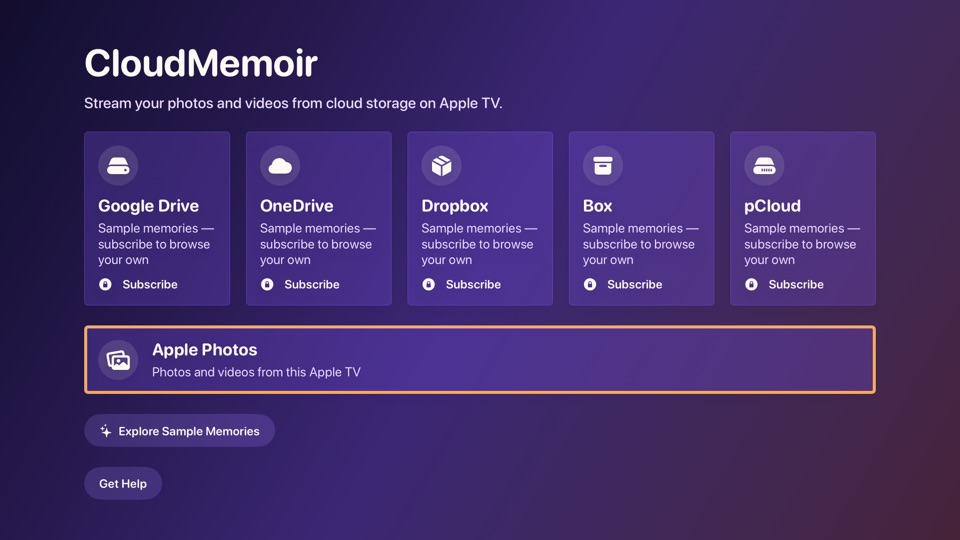
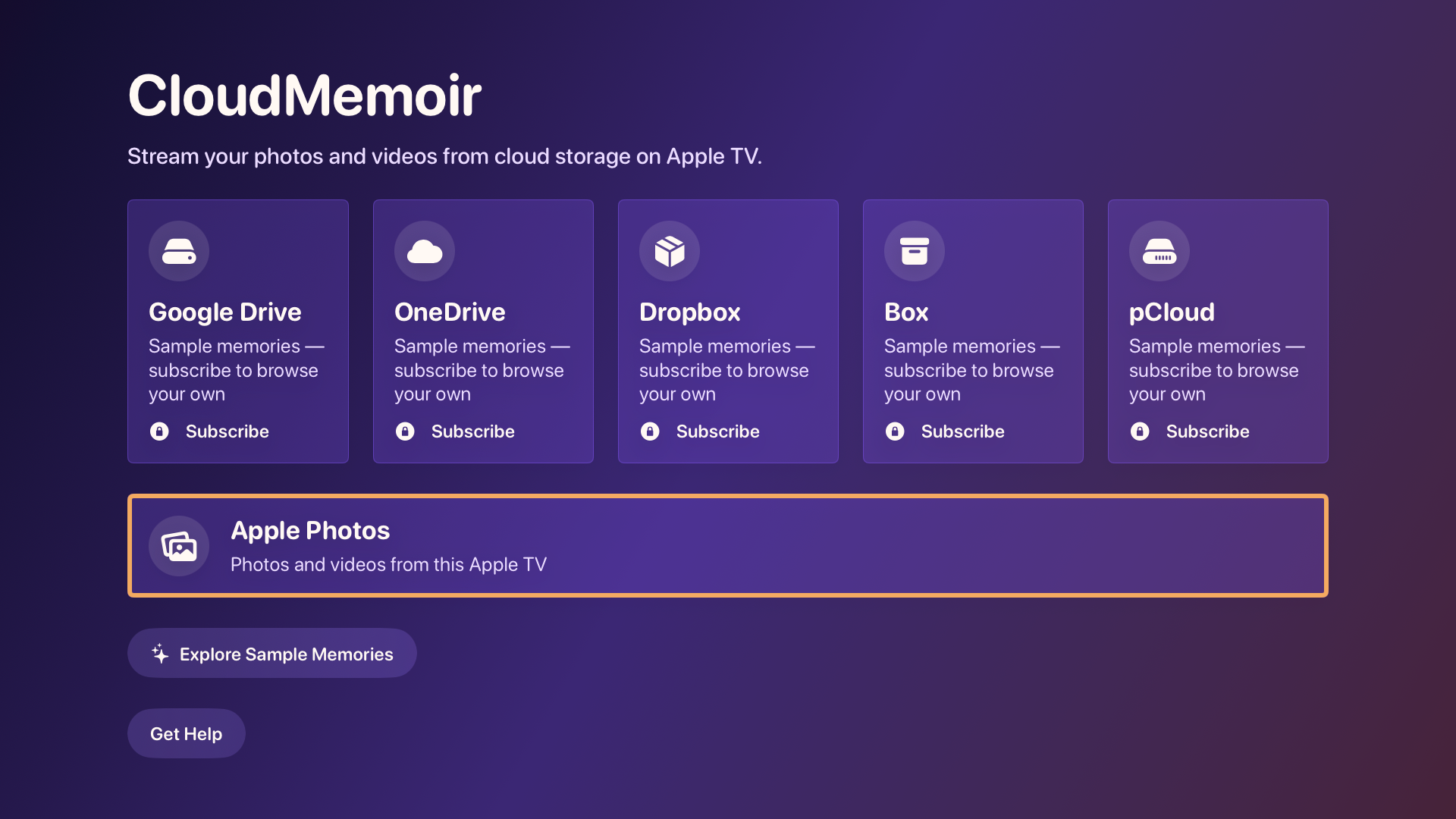
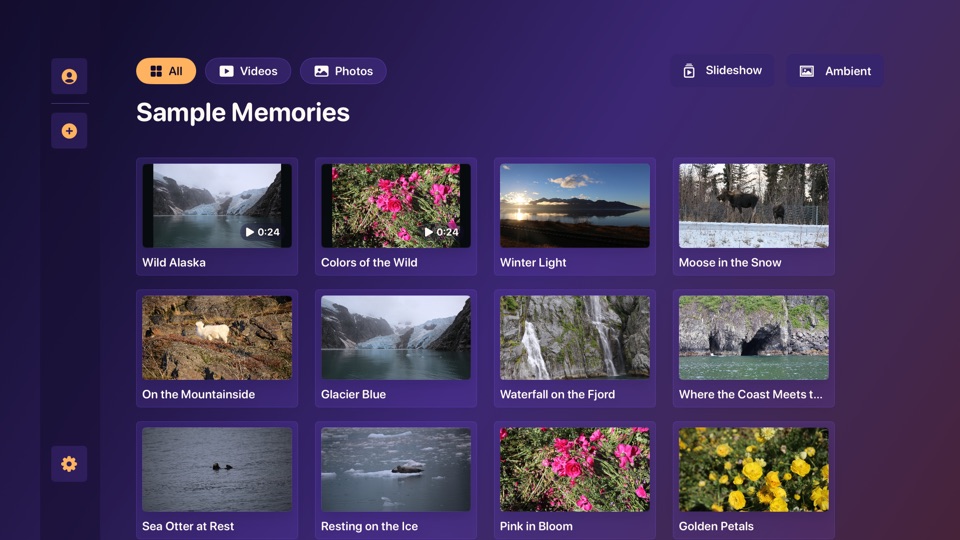
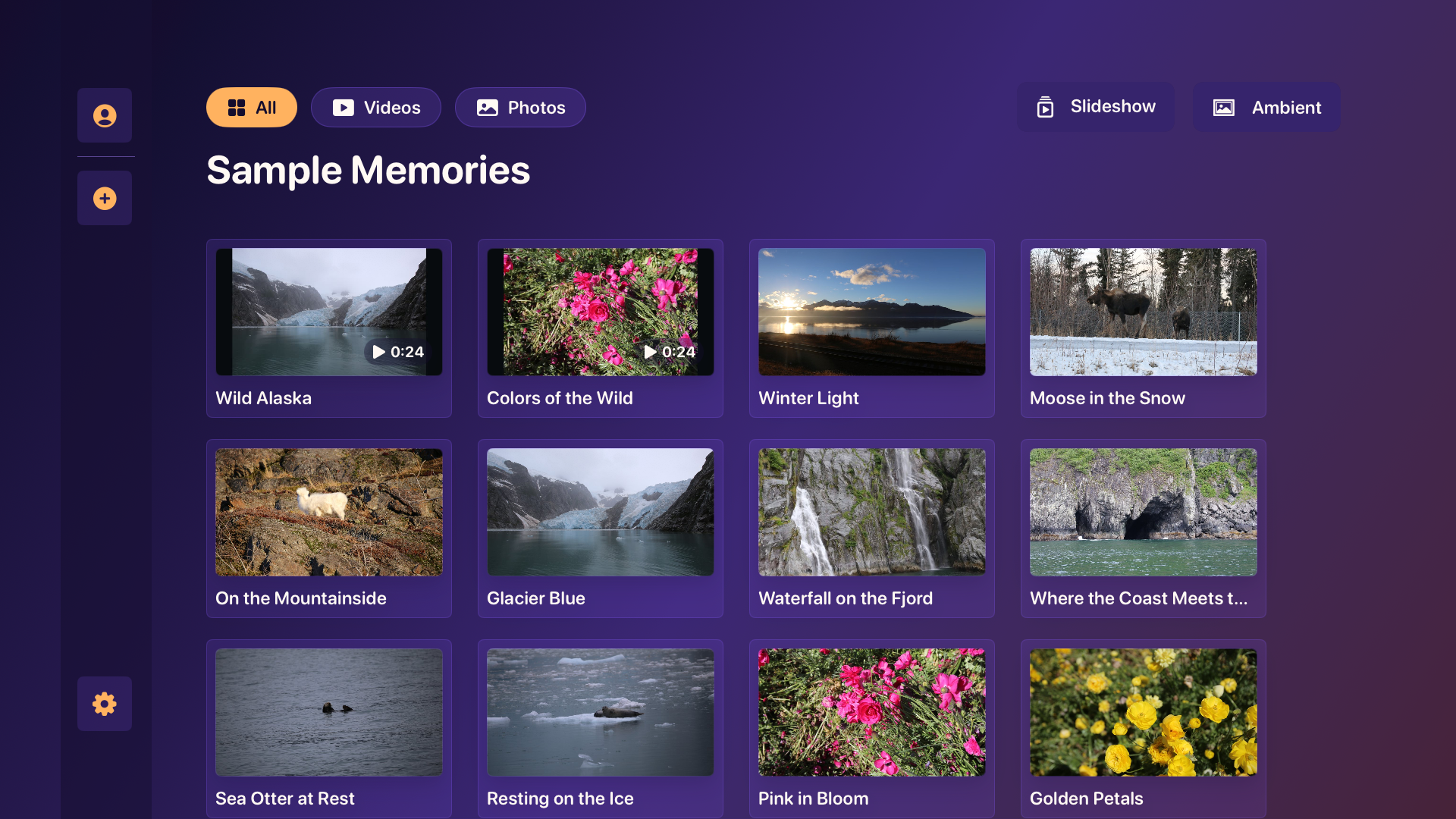


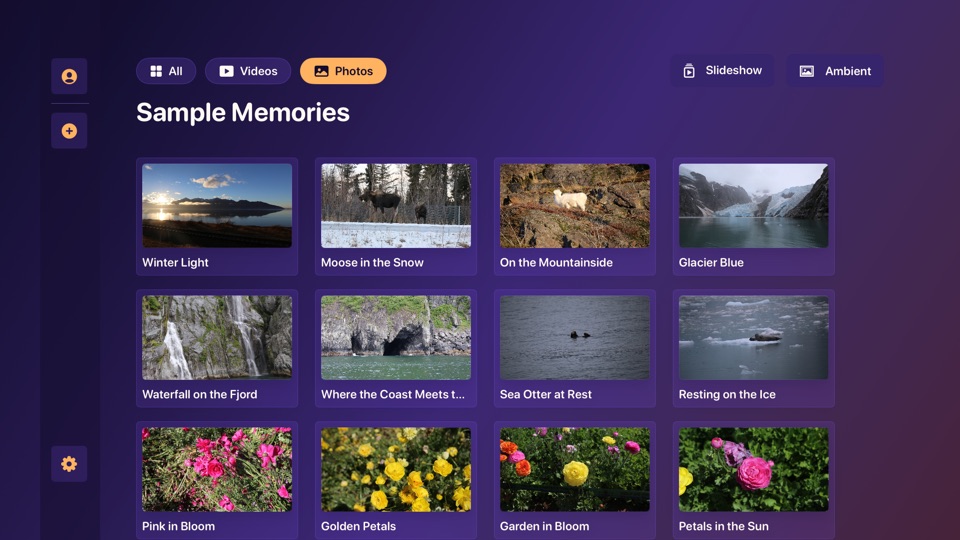
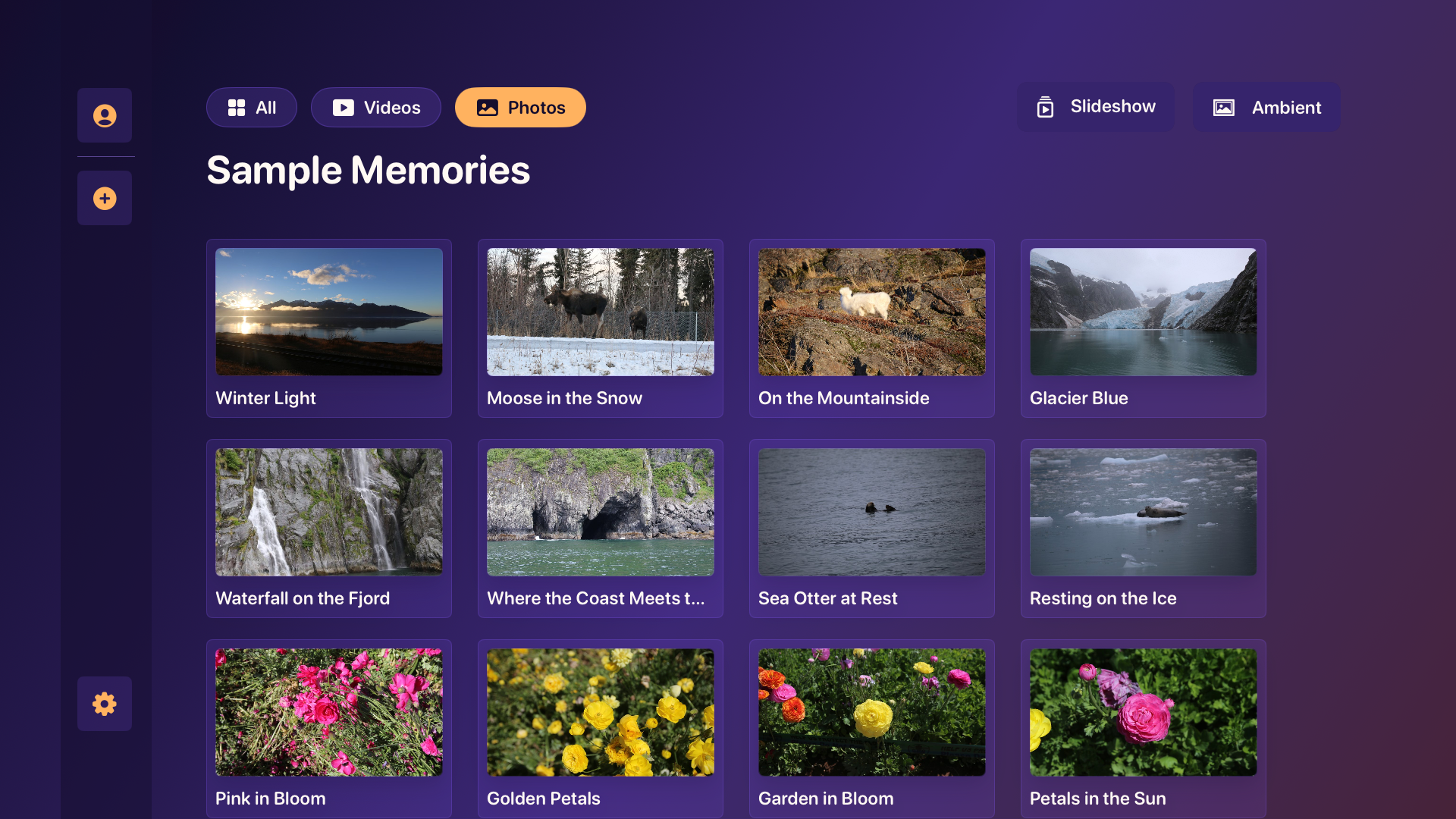
Screenshots are 1920 × 1080 PNG files. Watermark-free B-roll demo clips are available on request. Email [email protected] and we will send them promptly.
Please refer to the product as CloudMemoir and the publisher as SouzBit, LLC. Third-party cloud services (Apple Photos, Google Drive, Microsoft OneDrive, Dropbox, Box, and pCloud) should be referenced in text only without third-party logos.
Reviewer & Creator Access
Apple Photos and the Sample Memories collection need no subscription. Free review access to CloudMemoir Plus, which adds the five cloud drives, is available on request for journalists, newsletter writers, and YouTube creators.
For press inquiries, B-roll clips, or review access, email [email protected].